AI in Odoo: what actually works, and what to skip.

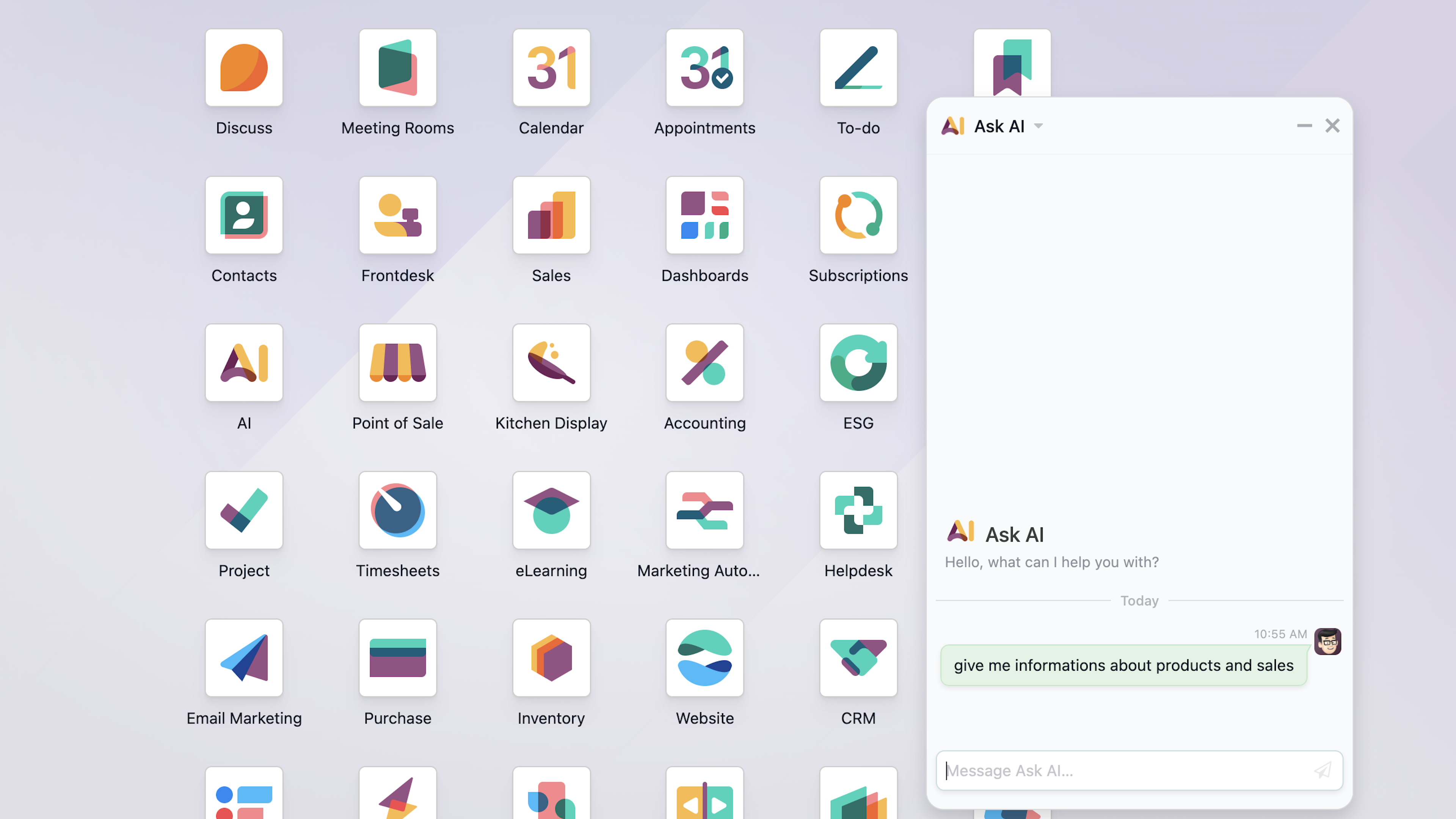
The AI module in Odoo 19 moves the ERP toward something proactive and conversational. It builds AI in across the board and lets you create intelligent agents, custom bots that carry out tasks in natural language. Key features include automatic content generation (emails, descriptions), field autocomplete based on historical patterns, and predictive sales analysis.
"Odoo's AI generated a description for me that any intern could have written using Google."
That comment shows up on user forums more and more, and it captures the frustration of people who expected magic and got templates. The technology is not the problem. How it is configured is, and above all knowing when to use it and when not to.
At Dynapps we have implemented AI in Odoo on projects where it was a real difference-maker, and others where it was an unnecessary expense. Here is the difference: which built-in features are worth it, how to configure them so they actually save time, and when to plug in an external API like OpenAI, Anthropic (Claude), or Google Gemini for tasks that need real customisation.
The real problem: confusion about costs
There is a lot of confusion about Odoo's IAP (In-App Purchase) credit system. The reality is simpler than it looks:
Document OCR uses Odoo IAP credits. Odoo's prepaid system for digitising invoices and documents. This is the only feature that consumes IAP credits.
Generative AI (text, chatbot) uses your own account. You set up your own OpenAI, Anthropic (Claude), or Google Gemini API key, and the cost is billed directly to that account.
Predictive lead scoring costs nothing extra. It uses Odoo's internal algorithms, without credits or external APIs.
So the real challenge is not cost. It is setup. Default AI features give generic answers because they lack context about your business. Here is how to fix that.
Features that do work
OCR for vendor invoices. Extracts structured data from PDFs with high accuracy. Uses IAP credits.
Predictive lead scoring. Analyses historical conversion data and prioritises the opportunities most likely to close.
VoIP call transcription. Turns audio into text and generates automatic summaries in the customer history.
Expense classification. Spots patterns in receipts and assigns accounting categories automatically.
Support ticket categories. Assigns categories and priorities to incoming tickets based on their content.
AI agent for e-commerce live chat. A chatbot that explains product features and guides customers through the purchase.
Features with questionable ROI
Generic descriptions. Without brand context, the output is generic and does not set your product apart.
An untrained chatbot. Default answers are so impersonal they can hurt the customer experience.
OCR for simple documents. Using AI on simple, standard invoices burns credits without adding value.
Suggestions for mass emails. Without prior segmentation, AI suggestions are too generic to work for campaigns.
6 AI automations that really save time
After dozens of AI projects in Odoo, these are the automations that consistently return value. The common thread: they all work with structured data and repetitive patterns.
1. Smart digitisation of vendor invoices
Where it works: In Odoo Accounting, OCR invoice digitisation is one of the highest-ROI features. The system extracts vendor, date, line items, taxes, and totals from any PDF or image.
How to optimise it: Set up recurring suppliers correctly and validate the first few documents per format. It is tuned for standard European invoice formats and works best on high-quality PDFs rather than scans.
When to avoid it: If a single vendor sends invoices in a very simple format, the manual process may be faster. Weigh volume against complexity.
2. Predictive lead scoring in CRM
Where it works: Odoo CRM analyses your won and lost history to give each new lead a predictive score, based on real patterns in your business.
How to optimise it: You need a minimum of 200 to 300 closed deals (won and lost) with quality data: industry, company size, lead source, sales-cycle length. The more fields, the better the prediction.
Expected result: Sales teams that prioritise high-scoring leads report a 20 to 30% higher conversion rate, simply by focusing effort where the odds are better.
3. Automatic transcription and summary of VoIP calls
Where it works: With Odoo VoIP v19, AI transcribes calls and writes executive summaries straight into the customer file, so nobody takes notes during the call.
How to optimise it: Transcribe only calls longer than two minutes. Short calls rarely add value, and spending credits on them lowers ROI.
Ideal use case: Support teams that need to document incidents without losing time on post-call notes.
4. Automatic categorisation of expenses and receipts
Where it works: In Odoo Expenses, AI reads scanned receipts and suggests the right accounting category from the description, amount, and vendor.
How to optimise it: Define clear, consistent categories. AI works better with a few well-defined categories than dozens of similar subcategories.
Expected result: Expense processing time down by 60 to 70%, especially in companies with sales teams generating many travel and expense reports.
5. Product descriptions with brand context
The common pitfall: Using the description generator as-is produces generic text. The fix is to give it context in the prompt.
How to optimise it: In Odoo 18/19 you can set up automated actions that feed your brand into the prompt: tone, audience, key benefits, and examples of good descriptions. That turns generic output into something on-brand.
Advanced option: Connecting an OpenAI, Anthropic (Claude), or Google Gemini API with your own key lets you match the model to your real catalogue, so descriptions read like your best salesperson wrote them.
6. Automatic classification of support tickets
Where it works: In Odoo Helpdesk, AI reads incoming tickets and assigns category, priority, and the right team. We have run this in production with strong results.
How to optimise it: Define clear, mutually exclusive categories and give example tickets per category in the prompt. Specific beats generic ("Billing issue", "Technical error", "Sales inquiry" rather than "General", "Other").
Expected result: Initial triage time down by around 80%, and faster first responses by routing tickets to the right team from the start.
When to plug in an external API: OpenAI, Anthropic, Gemini
Remember: most generative AI features in Odoo already run on your chosen provider's account. You pick OpenAI (GPT), Anthropic (Claude), or Google Gemini depending on your needs. Where an external API earns its place:
AI agent for e-commerce live chat. Connect your product catalogue to Claude, GPT, or Gemini for context-aware answers on features, shipping, and comparisons.
A chatbot trained on your knowledge base. Index your FAQs, product docs, and policies so the bot answers questions specific to your business, not generic phrases.
Sentiment analysis on support tickets. Detect urgency or frustration, prioritise responses, and alert supervisors when needed.
Custom sales proposals. Feed the model customer data, purchase history, and industry context for recommendations that fit, not templates.
Data extraction from complex documents. For contracts and non-standard formats that standard OCR struggles with, vision-capable models can extract structured data.
This is exactly where we integrate Odoo with the external tools that fit your case.
Practical setup guide
Assess your current IAP usage. Go to Settings > IAP and review your history. If you cannot quantify the time a feature saves, it probably saves none.
Disable non-essential AI features. Better no AI than AI configured badly. Turn off automatic content generation where it is not set up right.
Set up usage alerts. Get notified when IAP credits drop below a threshold, so unusual spend surfaces early.
Build your brand context for prompts. Tone of voice, audience, value proposition, and 5 to 10 sample texts. This becomes the basis for every prompt, built-in or external.
Test before you scale. Run an automation with one team for 2 to 4 weeks. Track results, errors, and satisfaction before rolling it out company-wide.
Discover what Odoo can do for your business.
An initial meeting to see if we're a good fit, followed by a demonstration tailored to your processes.
More posts like this

6-minute read
Peppol mandatory, e-reporting from 2028: how to prepare.
Since 2026, e-invoicing via Peppol is mandatory in Belgium. From 2028, your invoice data goes to the tax authority in near real time. What that asks.

3-minute read
Interview with Leïla Chojnacki, Deputy CEO and CFO of the Obiz Group
3 min read
Odoo 19.4: What's new? Key features and essential takeaways
Odoo 19.4 (July 2026) is a quarterly update: connection to AI agents via MCP, voice interaction, editable margins, two-tier duplicate detection, stock aging report, and continuous production.
3 minute read
AI in Odoo: What are the requirements for enabling it?
The question "Do we have the right to use Odoo's AI?" often has a simpler answer than expected.

4 min read
Certified by Dynapps: bringing Odoo expertise to local SMEs in France
Dynapps France is rolling out the Certified by Dynapps label, a program that gives small and medium-sized businesses local Odoo expertise and gives independent consultants a structured way to grow around Odoo.
4 min read
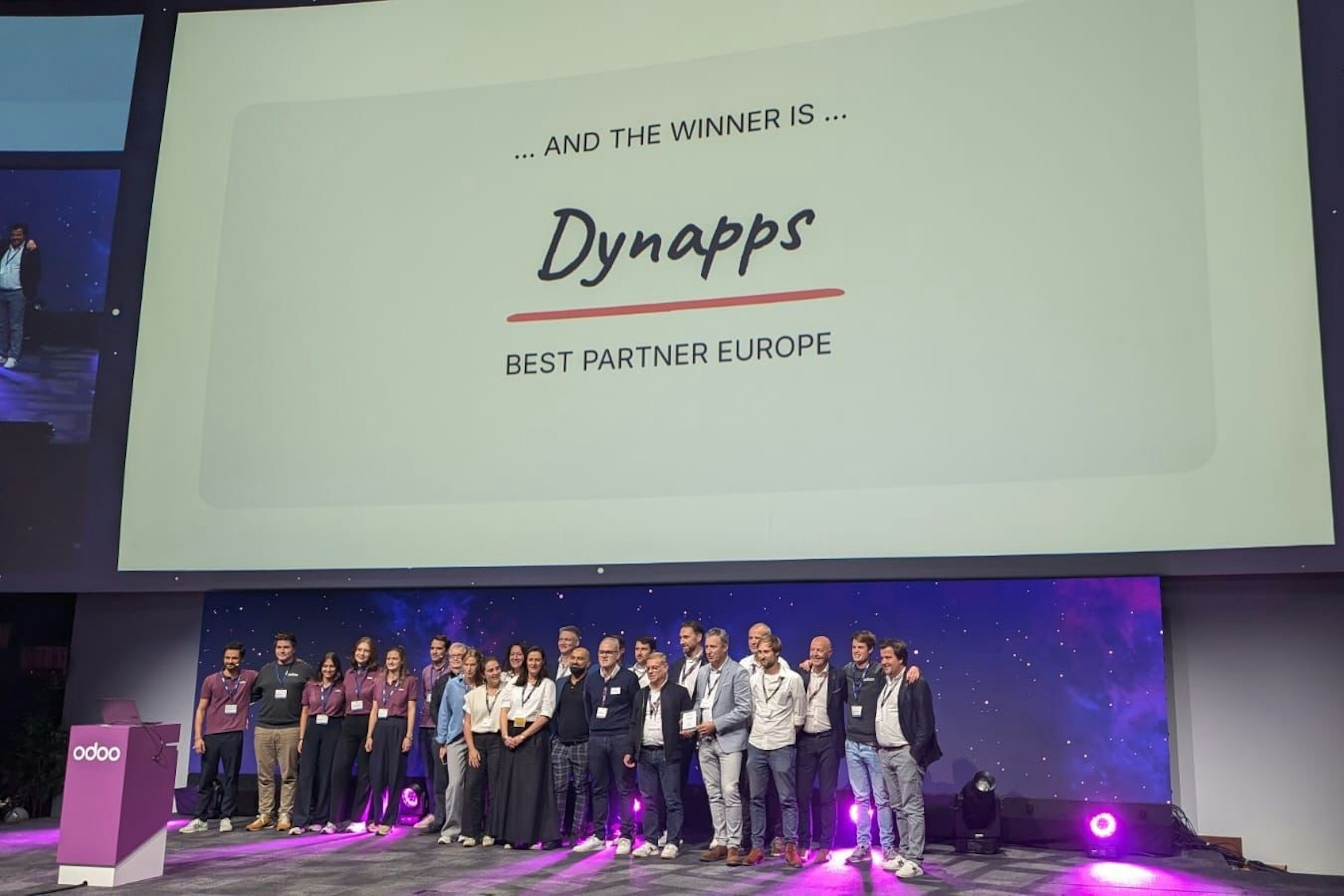
Dynapps named Best Odoo Partner in Europe
At the Odoo Experience Days in Brussels, Dynapps won the title of Best Odoo Implementation Partner in Europe, with former CEO Karel Hendrickx and the team collecting the award on 2–4 October 2024.
3 min read
Dynapps recertified to ISO/IEC 27001:2022 with zero non-conformities
Dynapps holds the ISO/IEC 27001:2022 certificate for its information security management system across its Belgian and Dutch entities. The January 2026 recertification audit closed with zero non-conformities.
4 min read
ERP vs CRM: what is the difference?
In a competitive market, businesses lean on software to operate efficiently. Two systems come up most: ERP and CRM. They serve different purposes, and they often work better together than apart.
6 min read
Odoo or Exact: which ERP fits your SME?
Choosing an ERP changes how the business runs. Odoo and Exact both target SMEs, but they solve different problems. This is a side-by-side read on functionality, flexibility, support, and where each one fits.
4 min read
Odoo vs AFAS: comparing two ERP systems built for SMEs in NL and BE
A side-by-side comparison of Odoo and AFAS, two ERP systems built for SMEs in the Netherlands and Belgium. It weighs flexibility, user-friendliness, support, integrations and cost per system.