Connect Odoo to Power BI: real-time dashboards from your ERP.

Most companies on Odoo already have their numbers in one place. The question is where they look at them. Finance teams often build their reporting in Power BI, next to data from other systems, and Odoo has to feed it.
This post shows the routes from Odoo to Power BI, what each one needs, and when Odoo's own reporting is enough.
Start with what Odoo already reports.
Every Odoo app has reporting views with pivot tables and graphs. In Odoo Spreadsheet, you insert those pivots, graphs and lists into a spreadsheet. The data stays up to date with the database: reopening the spreadsheet reloads it.
For reporting on Odoo data alone, that is often enough. Power BI earns its place when you combine Odoo with other sources, or when your group already reports in Power BI.
Three routes from Odoo to Power BI.
1. Directly on the database.
Odoo stores its data in PostgreSQL, and Power BI has a standard PostgreSQL connector with two modes: Import and DirectQuery. With DirectQuery, Power BI queries the database live instead of importing a copy. That is the route to real-time dashboards. A connection from the Power BI service runs through an on-premises or virtual network data gateway.
This route needs access to the database itself, which you have when you host Odoo yourself. Give Power BI its own read-only database user.
2. Through the Odoo API.
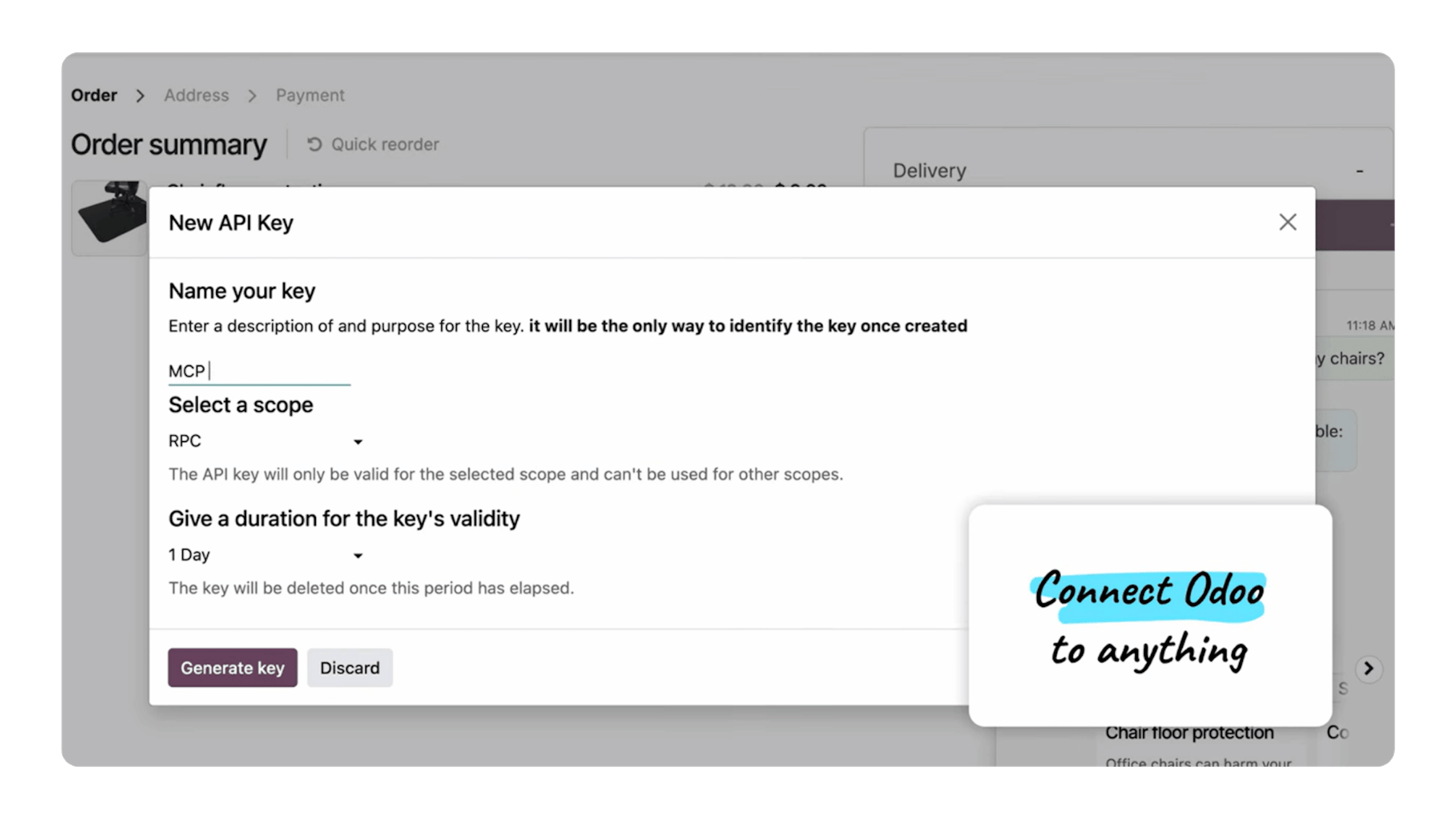
Odoo's External API gives other systems access to Odoo data. On Odoo Online, the External API is part of the Custom plan, not of One App Free or Standard. Since Odoo 19, the JSON-2 API is the successor to the older XML-RPC and JSON-RPC endpoints, so a new connection best starts there.
Between the API and Power BI sits a connector: one of the third-party Power BI connectors on the Odoo Apps Store, or an extraction built for your setup. Power BI then refreshes the data on a schedule.
3. Through a data warehouse.
When Odoo is one of several sources, a data warehouse sits between them and Power BI. Odoo data lands there next to the data from your webshop, your production software or your other entities, and Power BI reports on the combined set.
Which route fits?
Reporting on Odoo data alone: start with Odoo's own reporting views and Spreadsheet.
Live dashboards, with Odoo hosted on your own servers: the database, with DirectQuery.
Odoo Online: the External API on the Custom plan, with a scheduled refresh.
Several systems or entities: a data warehouse.

Why Dynapps?
We connect Odoo to Power BI, PostgreSQL and data warehouses. We build those connections with Odoo's own API framework, so the data flows reliably instead of through fragile middleware. Custom connections follow Odoo best practices, so they keep working at the next version release. The people who build your integration also maintain it. As an Odoo Gold partner with 280+ Odoo experts, we start from the reports you need and work back to the route.
Everything you need to know about connecting Odoo to Power BI.
Yes. Power BI reads Odoo data directly from the PostgreSQL database, through the Odoo External API with a connector, or from a data warehouse that also holds data from other systems. Which route fits depends on where Odoo runs and how live the dashboards need to be.
Yes, with DirectQuery on the PostgreSQL database. Power BI then queries the database live instead of importing a copy. A connection from the Power BI service runs through an on-premises or virtual network data gateway.
On Odoo Online, the External API is part of the Custom plan, not of One App Free or Standard. Power BI then gets the data through a connector on that API and refreshes it on a schedule.
Since Odoo 19, Odoo offers the JSON-2 API as the successor to the older XML-RPC and JSON-RPC endpoints. A new connection best starts on JSON-2.
Yes. Every Odoo app has reporting views with pivot tables and graphs. In Odoo Spreadsheet, inserted pivots, graphs and lists stay up to date with the database, and reopening the spreadsheet reloads the data.
Discover what Odoo can do for your business.
A first conversation to see if we fit, followed by a demo built around your processes.
More posts like this

3-minute read
Odoo for installation companies: from quote to maintenance.
How installation companies run quotes, technician planning, work orders, invoicing and maintenance on one Odoo platform.
3-minute read
From SAP Business One to Odoo: how the migration works.
How a migration from SAP Business One to Odoo runs, what moves across, and what Ecopower learned along the way.
3-minute read
Odoo vs Teamleader: which one fits your company?
What Odoo and Teamleader each cover, how they differ on accounting, stock and Peppol, and when each one is the better fit.

3-minute read
Odoo for accounting firms: time tracking, client files and invoicing.
How Odoo brings time tracking per client file, document management and invoicing together for accounting firms and fiduciaries.

6-minute read
Peppol mandatory, e-reporting from 2028: how to prepare.
Since 2026, e-invoicing via Peppol is mandatory in Belgium. From 2028, your invoice data goes to the tax authority in near real time. What that asks.

6 minute read
Choosing an Odoo integrator: 5 questions to ask
There are generally five main criteria that can help you effectively evaluate Odoo integrators. However, a reliable assessment depends first and foremost on what you’ve prepared before the call.

3-minute read
Interview with Leïla Chojnacki, Deputy CEO and CFO of the Obiz Group

3 min read
Odoo 19.4: What's new? Key features and essential takeaways
Odoo 19.4 (July 2026) is a quarterly update: connection to AI agents via MCP, voice interaction, editable margins, two-tier duplicate detection, stock aging report, and continuous production.
3 minute read
AI in Odoo: What are the requirements for enabling it?
The question "Do we have the right to use Odoo's AI?" often has a simpler answer than expected.

4 min read
Certified by Dynapps: bringing Odoo expertise to local SMEs in France
Dynapps France is rolling out the Certified by Dynapps label, a program that gives small and medium-sized businesses local Odoo expertise and gives independent consultants a structured way to grow around Odoo.