Odoo Point of Sale, shaped around how your stores actually sell.
Most till problems are not at the till. They start after closing time: a cash count that does not match, stock that only updates the next morning, a loyalty card the webshop does not know. Odoo Point of Sale runs your shops, counters and restaurants on the same platform as your products, stock, customers and accounting. A sale at the counter updates stock straight away, and closing the session posts it to the books. In Odoo 20, a session closes into one invoice instead of a pile of miscellaneous entries. We set it up around how your teams actually sell, then make the product and price data clean enough to trust at the till.
Odoo
Gold Partner
280+
Odoo experts
900+
Customer references

Counter, webshop and back office on one stock.
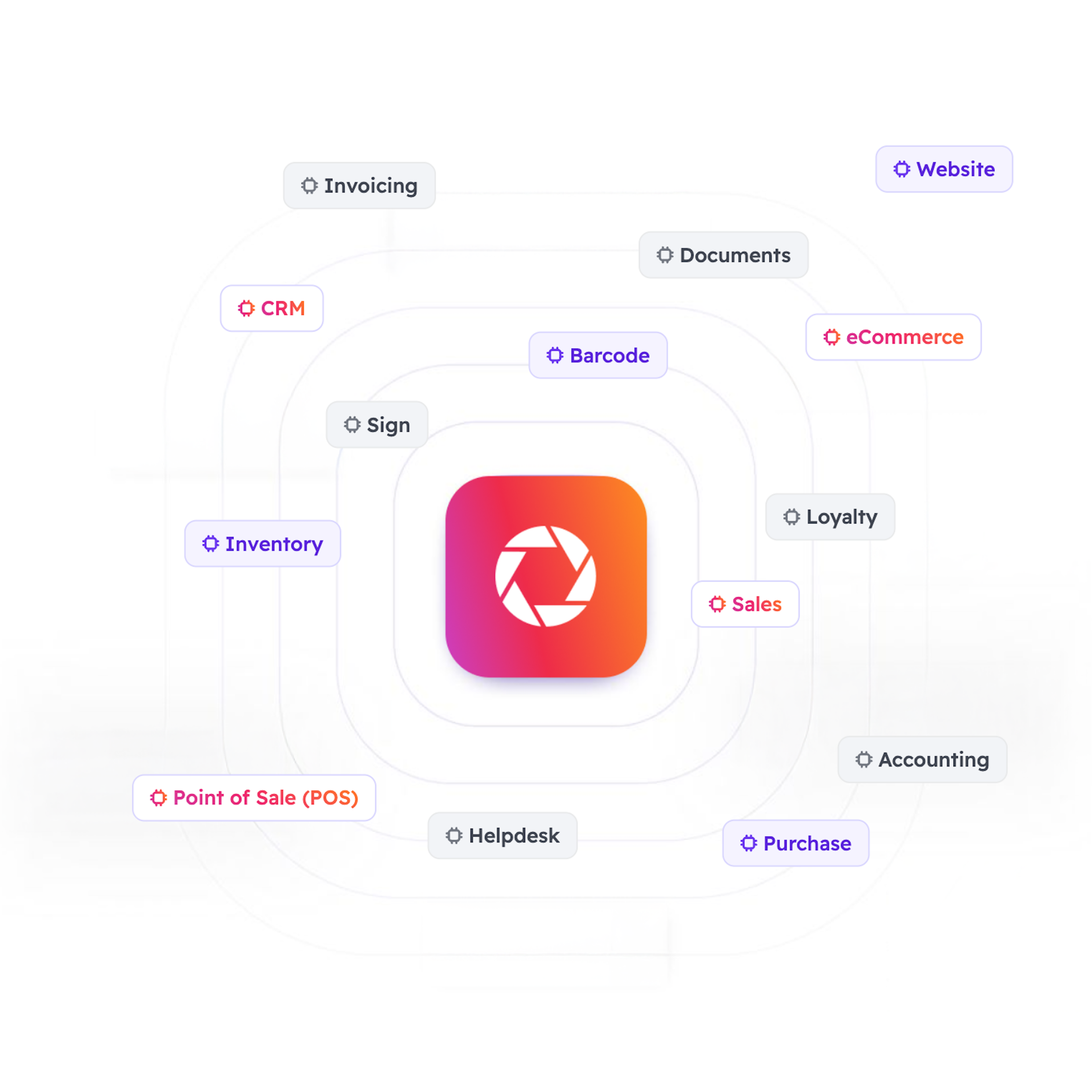
Every product, price and promotion lives in one place, so the shop, the webshop and the warehouse sell from the same catalogue and the same stock. Loyalty programmes, gift cards and discount codes work across your channels. The till runs in a browser on a tablet, laptop or dedicated terminal. When you close the session, you count the cash and Odoo posts the result to accounting. Sales, stock and finance read from one source.
Fewer entries after closing time, more options at the counter.
Odoo 20 closes each session into one invoice in accounting instead of a pile of miscellaneous entries. Point of Sale now also works with simplified inventory management, without the Inventory app. You link several printers to one point of sale and choose where each ticket prints, and the kitchen can get one preparation ticket per product. Service and delivery fees come in through presets, and the till accepts several currencies at checkout. A USB scale works without an IoT box. You snooze products that run out, on the till and on the self-ordering menu, and self-ordering customers get their receipt by WhatsApp or SMS. Before you upgrade, we check the reports and automations built on the old session entries. That check is part of how we plan the move.
We fit Odoo Point of Sale to how your stores sell, not the other way around.
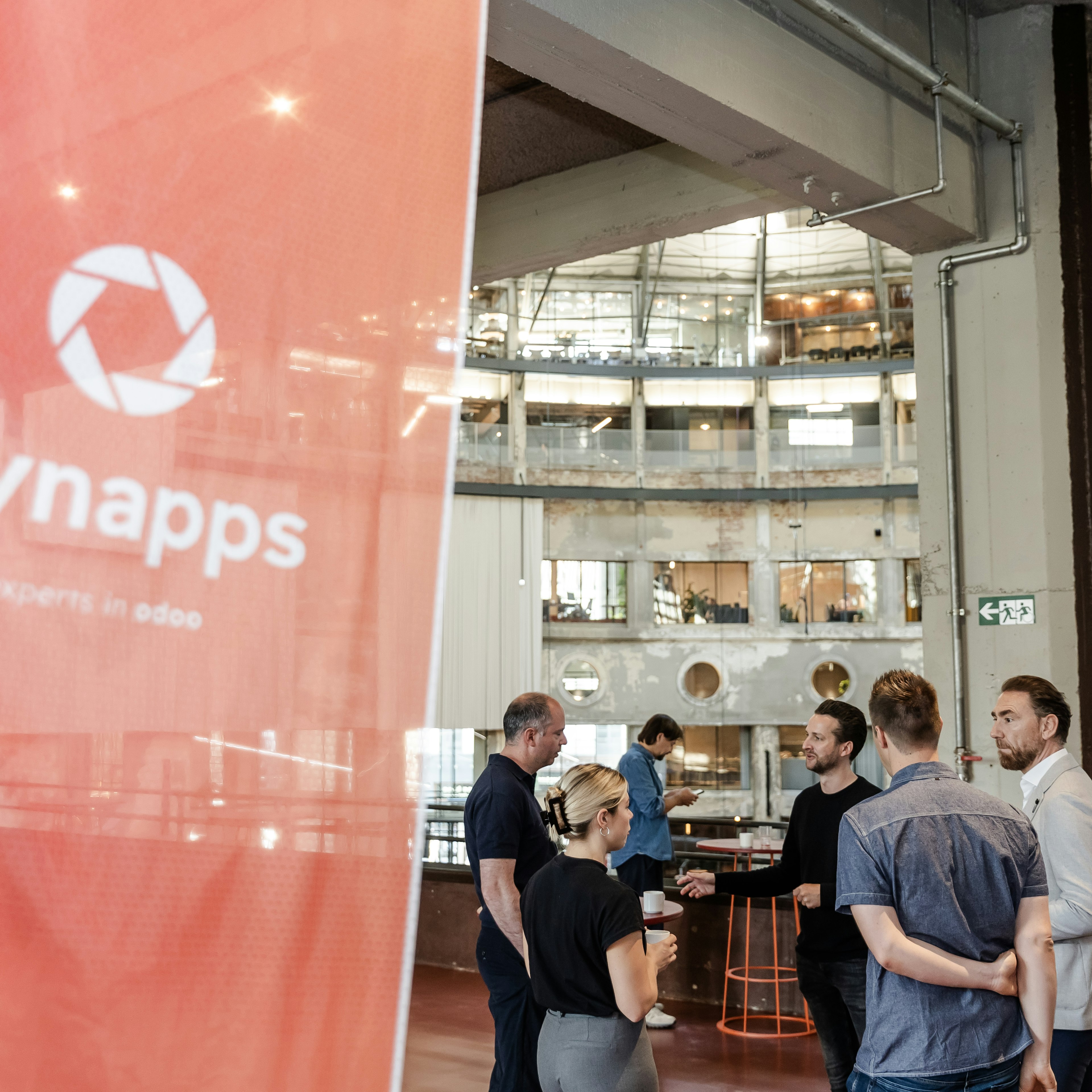
A till only works when the product data, price lists and payment methods match how your teams sell, and when closing the day takes minutes rather than an evening. We map your stores and channels, set up products, price lists, promotions, payment terminals and hardware, and connect Point of Sale to inventory, the webshop, loyalty and accounting. Already on Odoo, but the shops still close by hand? We audit what is there and rebuild the base. You work with a local team, backed by 280+ Odoo specialists across five European countries.
Everything you need to know about Odoo Point of Sale.
Can't find the answer you're looking for? Please reach out to us.
See what Odoo Point of Sale could look like for your stores.
A first conversation to understand how you sell at the counter today, and where Odoo Point of Sale fits.