Getting started with Odoo: a practical guide for beginners.
New to Odoo? This guide covers the essentials: what Odoo is, why companies choose it, the modules that matter, what a first project actually looks like, and how to start without the trial-and-error. No jargon, no assumptions.
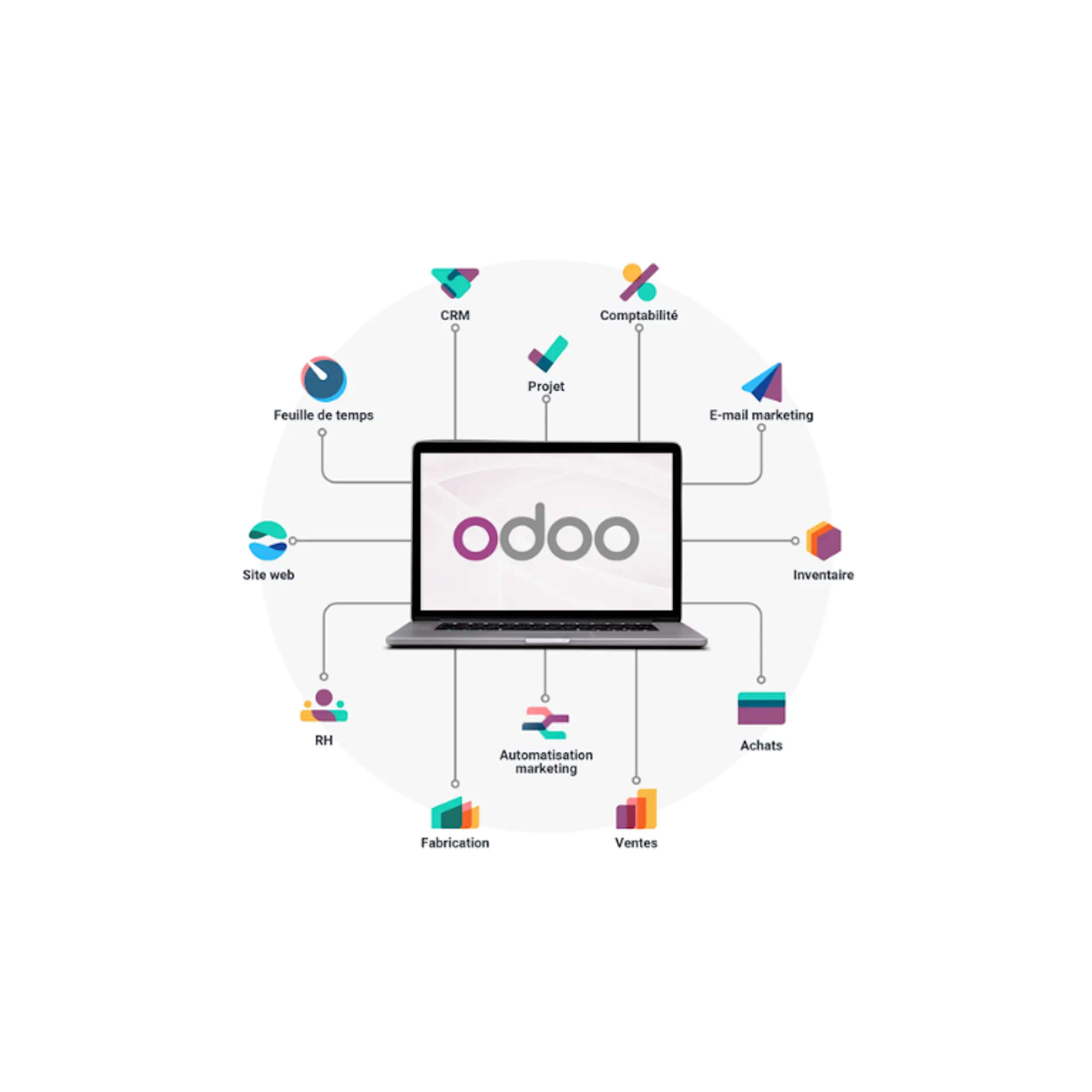
What is Odoo, and why choose it?
Odoo is an open-source ERP: one system that runs your core business processes instead of a patchwork of separate tools. Its modular design lets you pick what you need and add more as you grow. Compared to older ERP systems, it is easier to use and easier to adapt, which is why it works for a first-time buyer as well as a scaling company.
The reasons companies choose it are consistent. It is modular, so you are not paying for what you do not use. It scales with the business, from a handful of users to hundreds. It adapts to how you work instead of forcing your processes into rigid software. And because it is open source, you are not locked to a single vendor for every change. Read more on why we choose Odoo.
What Odoo does well.
A clean interface. Even users without technical experience find their way quickly, which shortens training and speeds up adoption.
Automation. Invoicing, stock updates, and task scheduling run automatically, which cuts manual work and the errors that come with it.
One connected system. Sales, purchasing, inventory, accounting, HR, and CRM share the same data instead of living in separate tools that never quite agree.
Live reporting. Insight into the numbers as they happen, without exporting to a spreadsheet first.
Flexible hosting. In the cloud or on your own infrastructure, depending on what your business needs.
The essential modules.
Odoo has an app for almost everything. For most companies, a handful of modules carry the core of the work.
Sales
Manage the full cycle, from quote to sales order to invoice. Linked to inventory, so you see real-time availability while you sell, and orders flow straight into delivery and billing.
Purchasing
Manage suppliers and purchase orders, compare prices, and track everything from request to receipt. Connected to inventory, so incoming stock is accurate without manual updates.
Inventory
Track receiving, storage, and shipping in real time, across multiple warehouses if you need it. Linked to sales and purchasing so stock levels stay correct as goods move.
Accounting
Record customer and supplier invoices, process payments, and generate financial statements. Transactions update automatically from sales and purchasing, so the books reflect reality instead of last week.
CRM, and the rest
CRM tracks leads and opportunities through your pipeline. Beyond that sit manufacturing, projects, HR, e-commerce, point of sale, and more. You start with the essentials and switch on modules as the business grows.
What this looks like in practice.
Take a mid-market wholesaler running sales in one tool, stock in a spreadsheet, and accounting in another package. An order comes in, someone re-keys it into stock, then again into the invoice. Every hand-off is a chance for an error, and nobody has a live view of margin.
On Odoo, the same order updates stock and creates the invoice in one flow. The warehouse sees it, finance sees it, and management sees the numbers without waiting for a monthly export. That is the shift Odoo makes: not more software, but fewer disconnected islands.
How to actually get started with Odoo.
You do not need to install a server or learn Python to begin. For a business, the real starting path has three decisions.
1. Choose your edition
Odoo Community is the free, open-source edition. Odoo Enterprise is the paid edition, billed per user, with more features, the mobile app, and official support. Most companies with real operational needs land on Enterprise, but the right choice depends on your size and requirements.
2. Choose where it runs
Odoo Online is the simplest, hosted by Odoo, with little room for custom code. Odoo.sh adds room for custom development. A managed platform like DynCloud, our Odoo hosting, gives you full control and high availability, run by the team that knows your setup.
3. Plan the implementation
A real project follows a path: map your processes, configure Odoo to fit, migrate your data, train your team, and go live. This is where a partner earns its place. As an Odoo Gold Partner in Belgium, we implement Odoo around how your business actually runs, so you skip the trial-and-error of a DIY setup.
What a first Odoo project looks like.
A typical implementation moves through a blueprint (mapping your processes and deciding what Odoo handles as standard and where you need custom work), configuration, data migration, testing, key-user training, and go-live, followed by support. Timelines depend on scope: a focused first phase can go live in a couple of months, a broad multi-site rollout takes longer. Starting with a clear first phase, rather than everything at once, lowers risk and gets you value sooner.
Customising Odoo to your business.
Standard Odoo covers a lot. When your processes are specific, you can add apps, configure fields and views, and build workflows without heavy technical work. When it goes deeper, a partner can extend and integrate Odoo with the tools you already run, from your webshop to industry software, without putting the platform at risk. The goal is Odoo shaped to your business, not your business bent to fit Odoo.
Discover what Odoo can do for your business.
An initial meeting to see if we're a good fit, followed by a demonstration tailored to your processes.
More posts like this

6-minute read
Peppol mandatory, e-reporting from 2028: how to prepare.
Since 2026, e-invoicing via Peppol is mandatory in Belgium. From 2028, your invoice data goes to the tax authority in near real time. What that asks.

3-minute read
Interview with Leïla Chojnacki, Deputy CEO and CFO of the Obiz Group
3 min read
Odoo 19.4: What's new? Key features and essential takeaways
Odoo 19.4 (July 2026) is a quarterly update: connection to AI agents via MCP, voice interaction, editable margins, two-tier duplicate detection, stock aging report, and continuous production.
3 minute read
AI in Odoo: What are the requirements for enabling it?
The question "Do we have the right to use Odoo's AI?" often has a simpler answer than expected.

4 min read
Certified by Dynapps: bringing Odoo expertise to local SMEs in France
Dynapps France is rolling out the Certified by Dynapps label, a program that gives small and medium-sized businesses local Odoo expertise and gives independent consultants a structured way to grow around Odoo.
4 min read
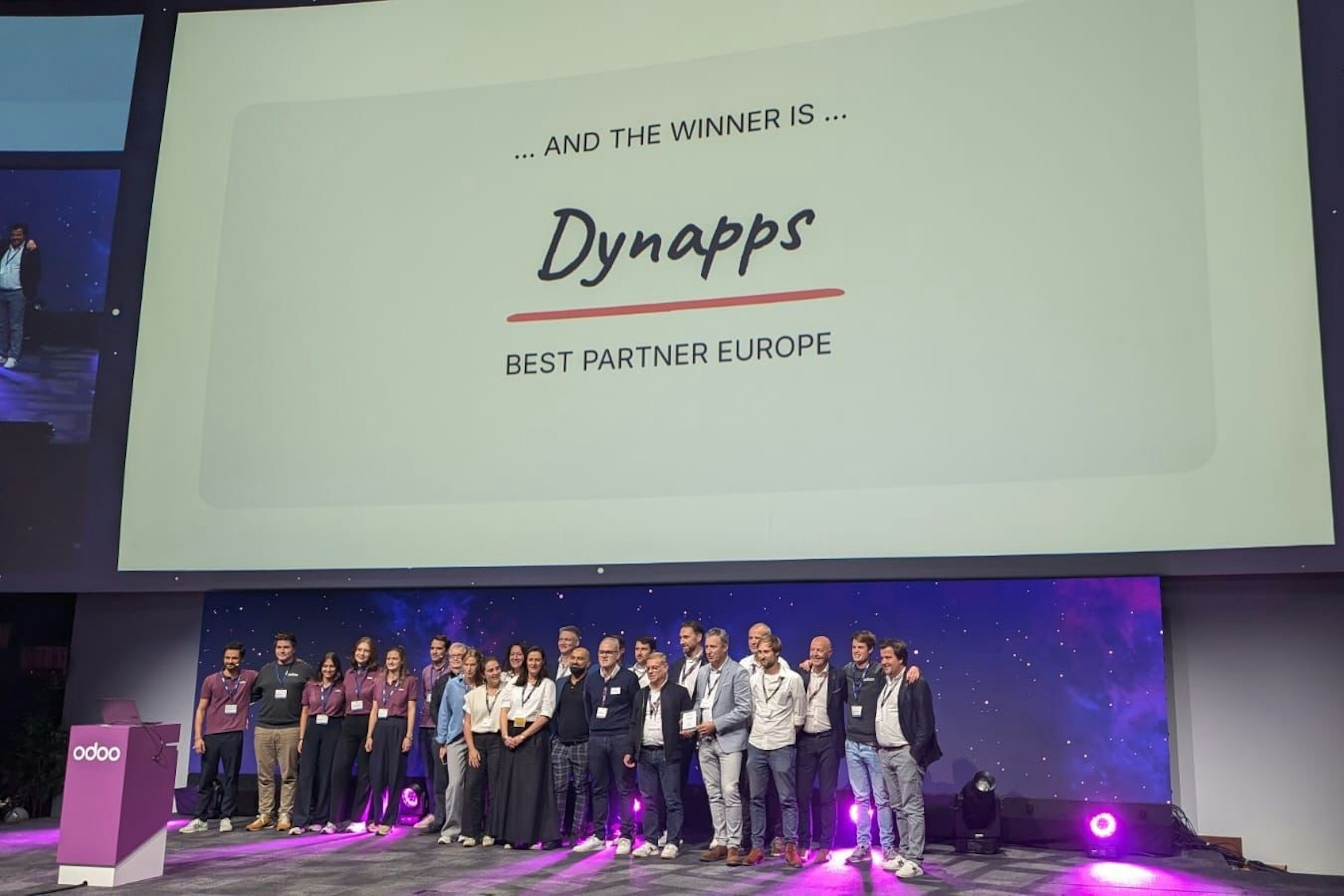
Dynapps named Best Odoo Partner in Europe
At the Odoo Experience Days in Brussels, Dynapps won the title of Best Odoo Implementation Partner in Europe, with former CEO Karel Hendrickx and the team collecting the award on 2–4 October 2024.
3 min read
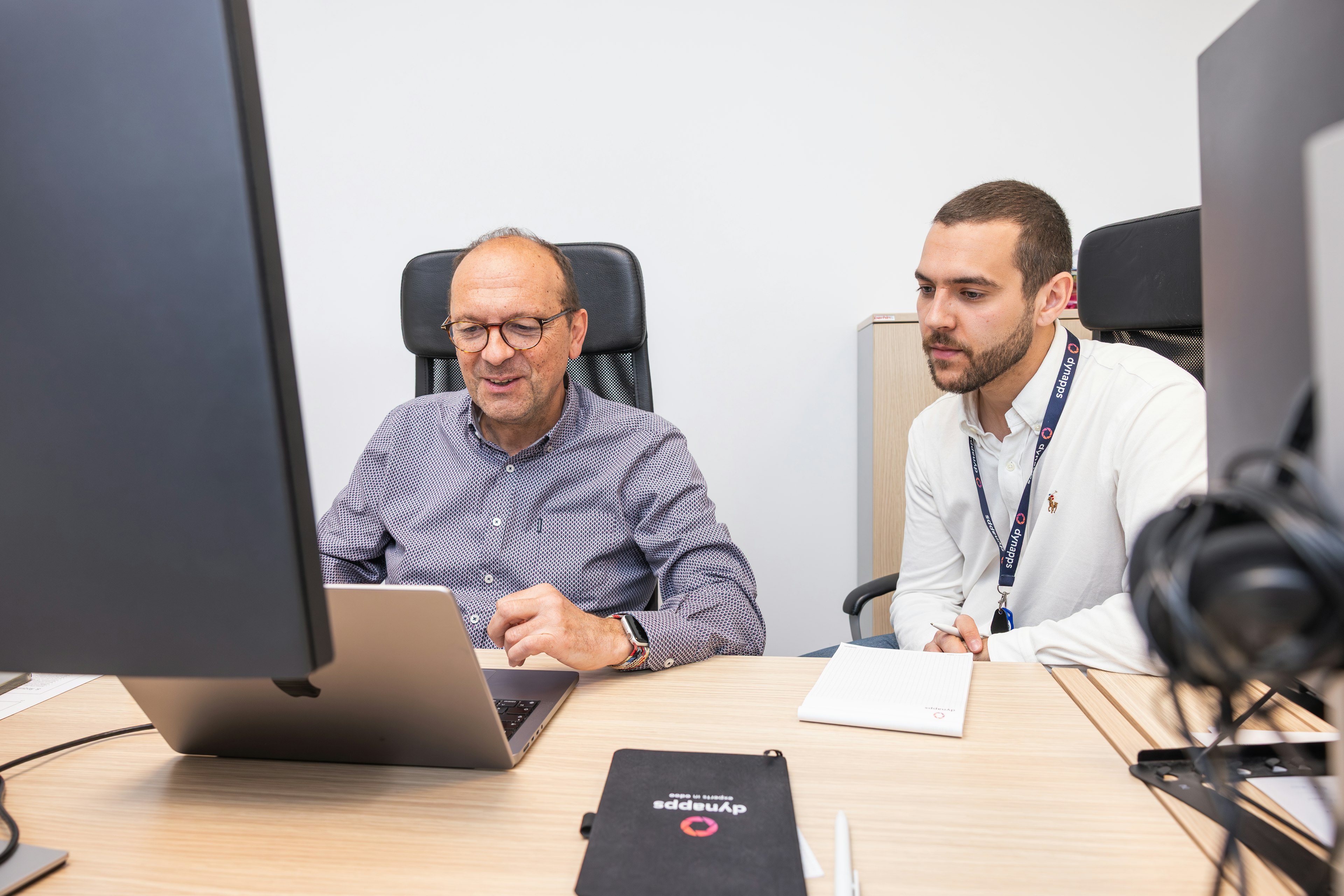
Dynapps recertified to ISO/IEC 27001:2022 with zero non-conformities
Dynapps holds the ISO/IEC 27001:2022 certificate for its information security management system across its Belgian and Dutch entities. The January 2026 recertification audit closed with zero non-conformities.
4 min read
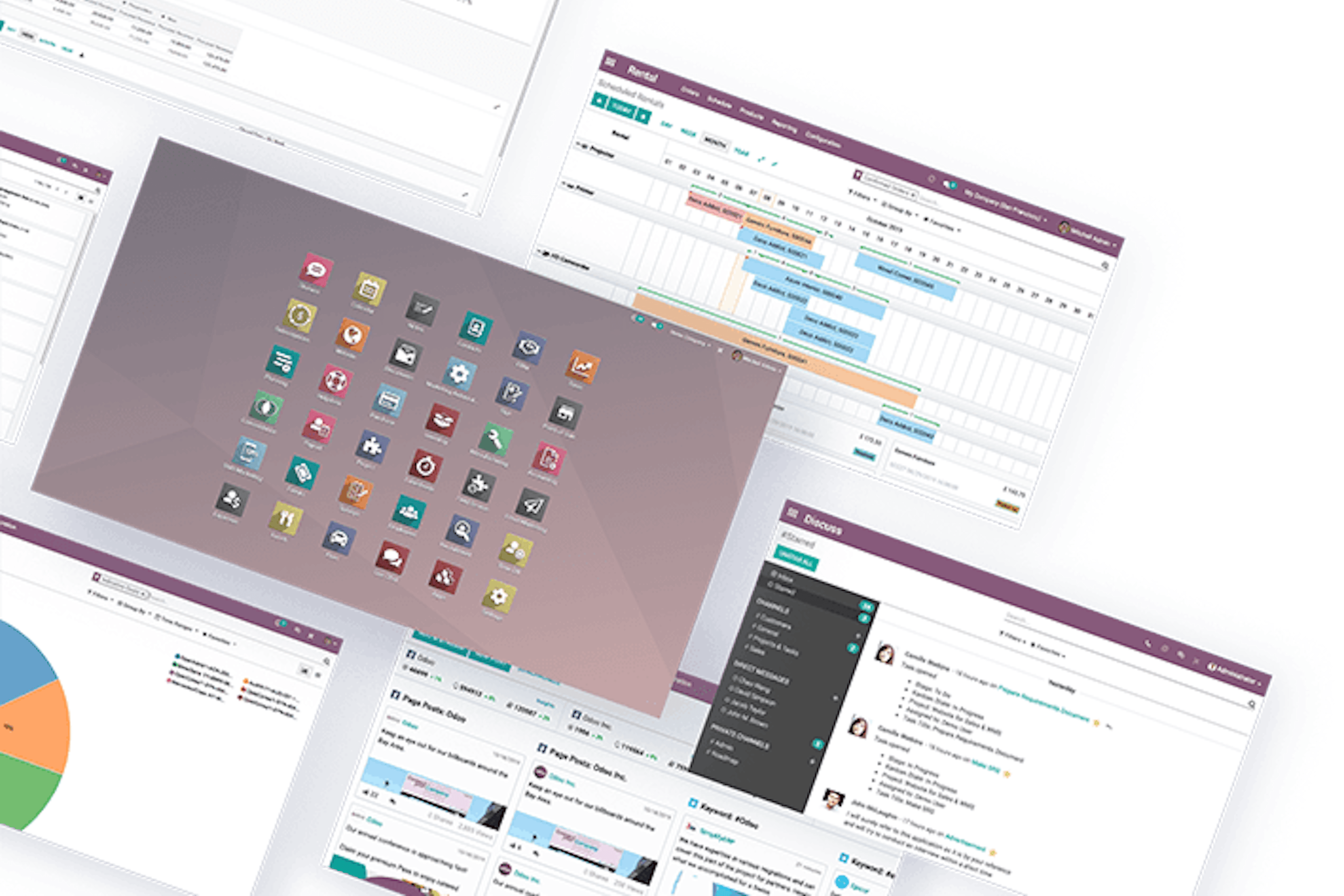
ERP vs CRM: what is the difference?
In a competitive market, businesses lean on software to operate efficiently. Two systems come up most: ERP and CRM. They serve different purposes, and they often work better together than apart.
6 min read
Odoo or Exact: which ERP fits your SME?
Choosing an ERP changes how the business runs. Odoo and Exact both target SMEs, but they solve different problems. This is a side-by-side read on functionality, flexibility, support, and where each one fits.
4 min read
Odoo vs AFAS: comparing two ERP systems built for SMEs in NL and BE
A side-by-side comparison of Odoo and AFAS, two ERP systems built for SMEs in the Netherlands and Belgium. It weighs flexibility, user-friendliness, support, integrations and cost per system.